Working in the app
Search
Find projects, portfolios and people by name, expenses by description or category, and labor allocations by what someone is working on.
Open Search in SFH PortfolioWhat Search finds#
- Projects, portfolios and people, by name.
- Expenses, by description or category.
- Labor allocations, by description, such as the feature someone is working on.
Archived projects and portfolios are included and marked archived.
Searching#
Type in the box and select Search. The results have their own address, so you can bookmark or share a search. For a quick lookup without leaving your page, use the command bar.
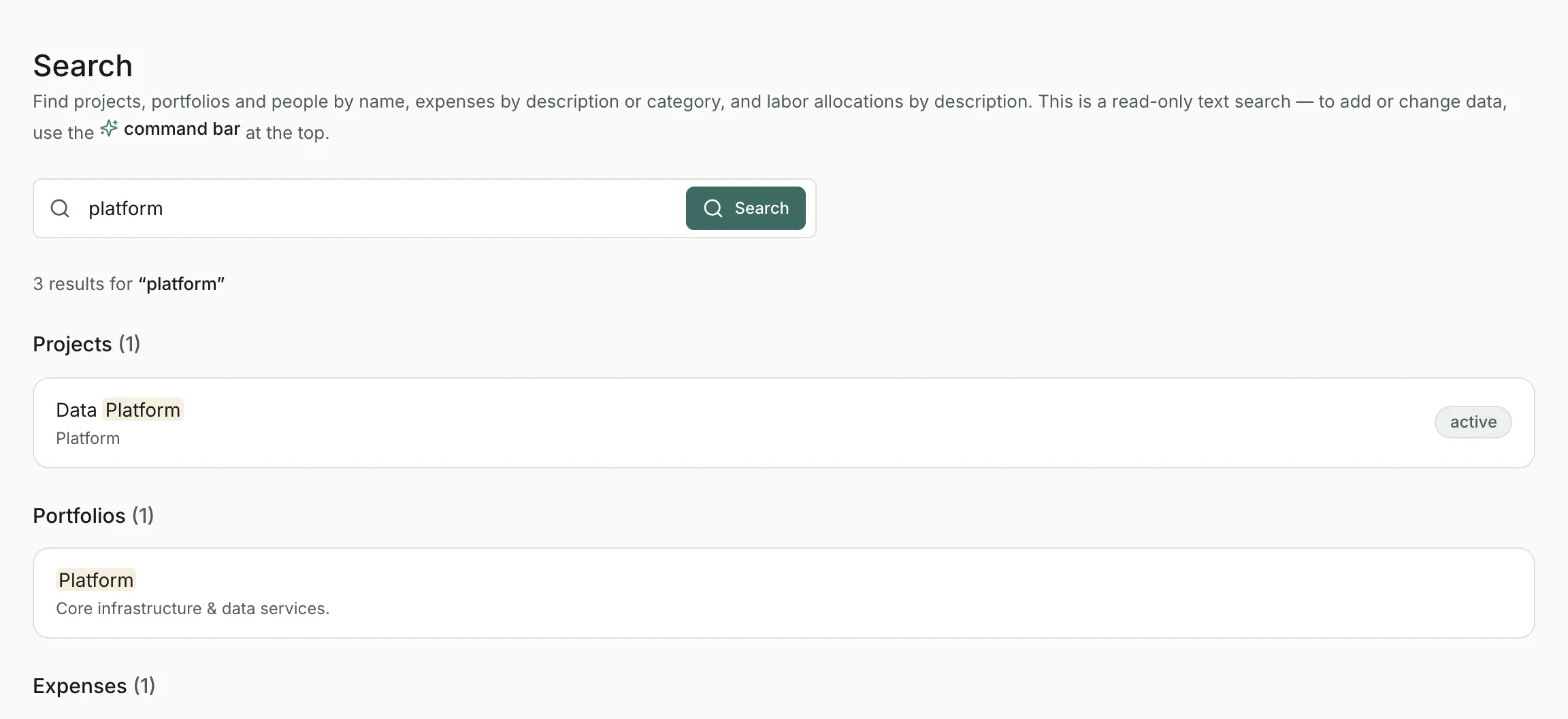
Search only finds things. To add or change data, use the command bar or open the result.
Updated
Related topics
- The command barSearch everything as you type, make changes in plain English, and ask questions about your data from the bar at the top of every page.
- ProjectsA project's budget, dates and spend over time, with its expenses and labor allocations, and how to edit, split, assign and archive.
- ResourcesManage your roster, loaded labor rates and departments, see who's allocated where, and draft allocations with AI.