Working in the app
Export
Download projects, with their allocations and expenses, and people as a CSV file you can open in Excel or import again.
Open Export in SFH PortfolioExporting#
Pick projects (grouped by portfolio), resources (grouped by department), or both, and select Export CSV:
- Projects come with their labor allocations and expenses.
- Resources come with their profile: role, location, loaded labor rate, manager, portfolio, department and dates.
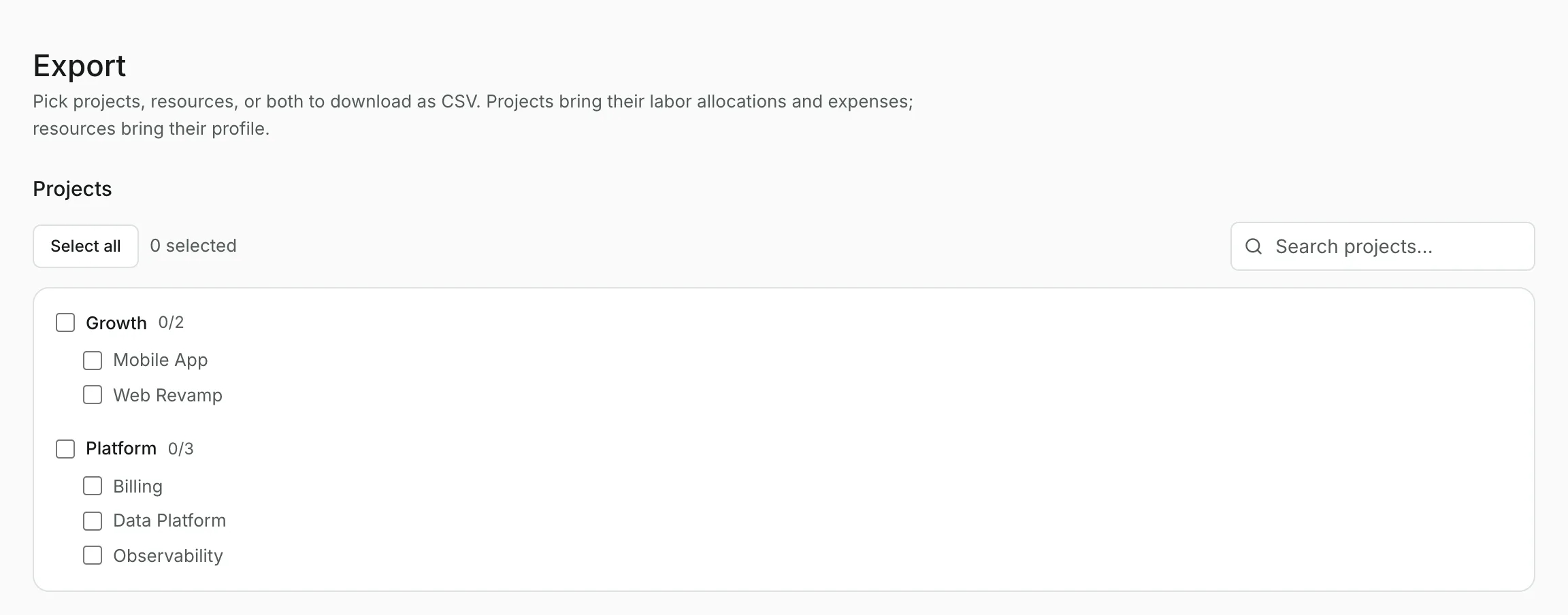
Use the search boxes and Select all to pick quickly.
Editing and importing again#
The file uses the columns Import understands best, so you can add rows in a spreadsheet and import it back. Import reuses projects and people that already exist without changing them, so use it to add, not to edit.
Updated
Related topics
- ImportBring portfolios, projects, people, allocations and expenses in from an Excel, CSV or text file, with a review before anything is saved.
- ProjectsA project's budget, dates and spend over time, with its expenses and labor allocations, and how to edit, split, assign and archive.
- ResourcesManage your roster, loaded labor rates and departments, see who's allocated where, and draft allocations with AI.